A free Markdown viewer for Mac.
Read .md files as clean documents. When a line needs fixing, click the pencil and edit the text in place. Reading is always where Imark starts.
macOS 14+ · 6.7 MB
Free, and stays free. Like it? Buy me a coffee ☕
Markdown you can argue with.
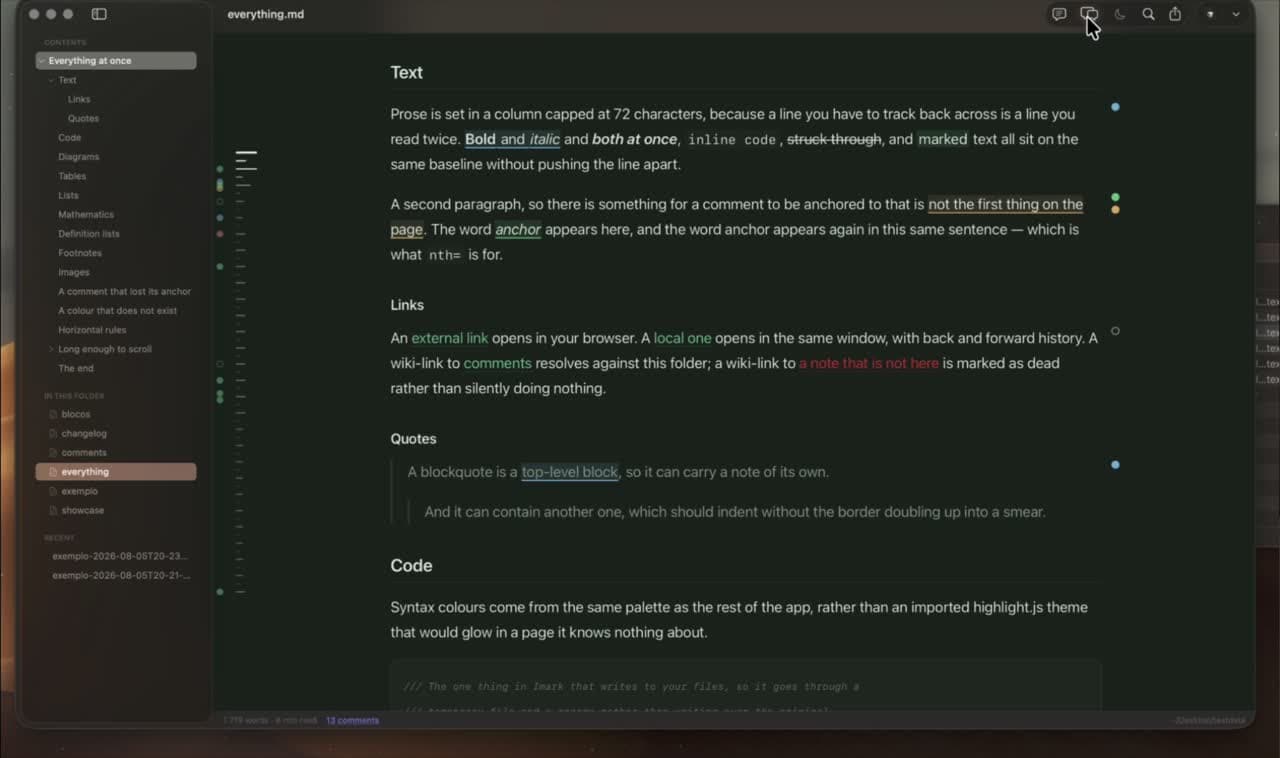
Read first. Fix the line without leaving.
Imark still opens as a reader. The eye keeps the document clean; the pencil shows the whole file as text when you need to make a correction. The editing guide covers saving, conflicts, and moving to a full editor.
Ask for the text
Click the pencil in the toolbar, or press ⌘E. The document replaces the rendered page with line numbers, Markdown in colour, the system find bar, and a mark beside every changed line.
Save without overwriting another change
Press ⌘S to save. While your changes are unsaved, Imark stops following the file. If it changed on disk after Imark read it, the save is refused instead of replacing somebody else’s work.
Leave the larger job to your editor
Open in stays in the toolbar while you edit. Send the file to Cursor, VS Code, Zed, Sublime, Claude, or ChatGPT when the change grows beyond the line in front of you.
Your agent writes.
You answer in the margin.
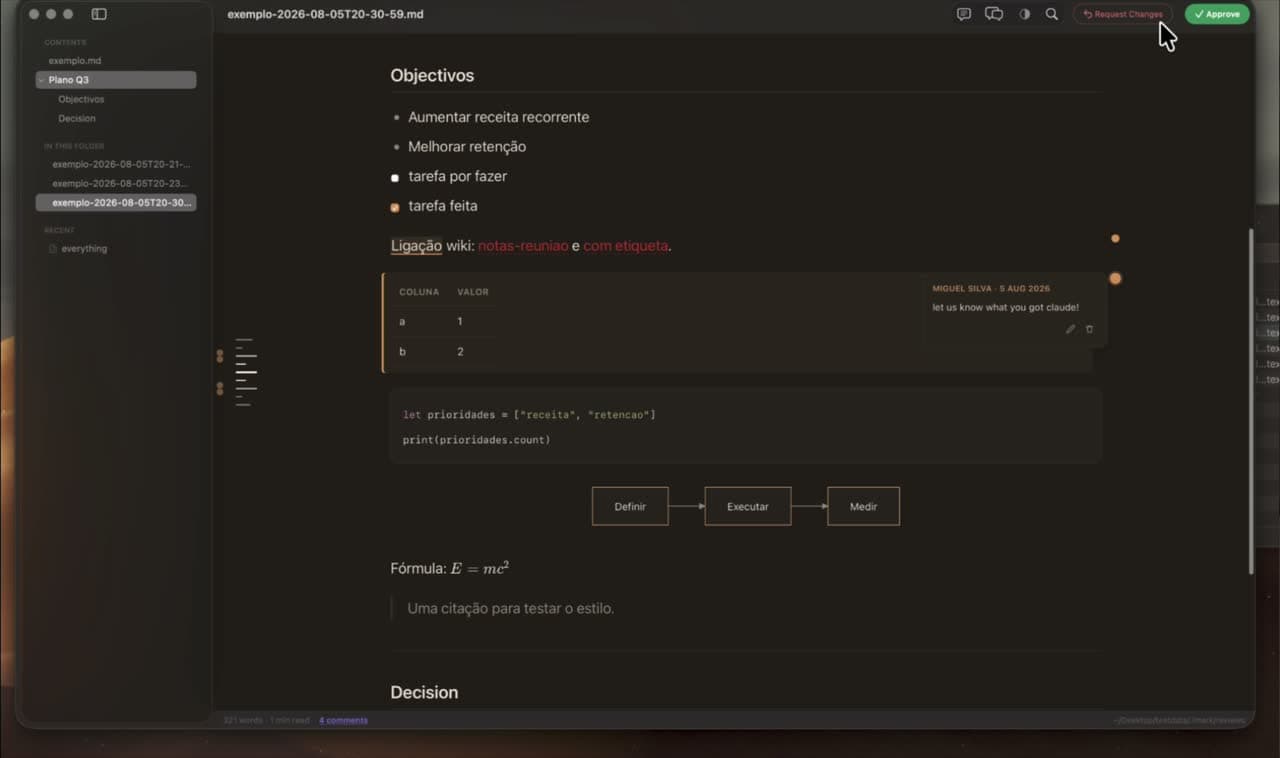
Imark ships a review skill for Claude Code and Codex. The agent opens its Markdown plan and waits; you comment on exact phrases, then approve or request changes. The notes stay in the file, with no review server or separate account. Here is what to check before you approve a plan.
Claude Code or Codex opens its plan in Imark and waits.
You read it as a document and mark it up.
Approve, or request changes.
It reads your notes back and carries on.
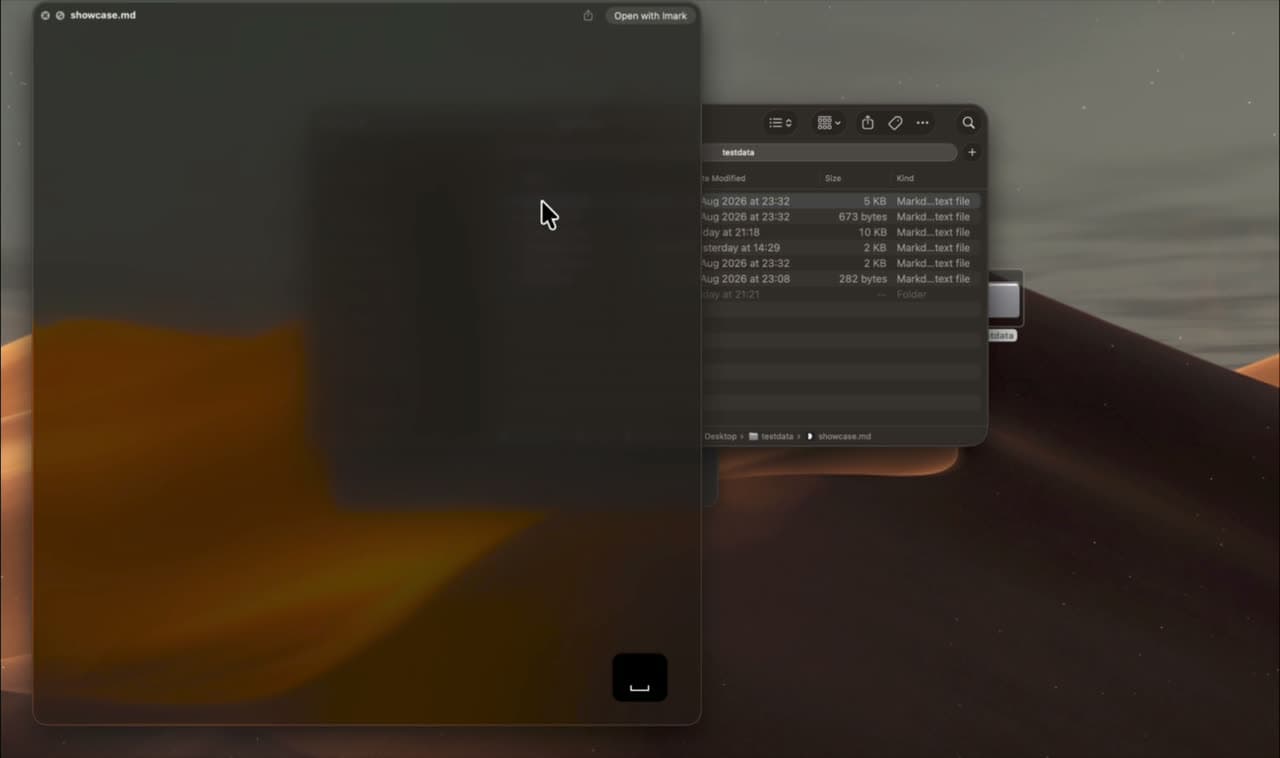
Space bar. No app to open first.
A Quick Look extension renders the file in place, with the same typography, code highlighting and diagrams as the app itself. Setting up Quick Look for Markdown on Mac takes about a minute.
Everything you expected
it to already do.
Keep your editor where it is
Write in Cursor, VS Code, Zed, anything. Imark follows every save and keeps your scroll position, so you can leave it open on the other half of the screen and stop switching windows.
Never lose the thread
The outline folds itself on long documents and follows you as you scroll.
Diagrams and maths
Mermaid and KaTeX are bundled in. They work on a plane.
One window
Tabs, find, print to PDF with the comments included.
Nothing of yours leaves the machine
Documents render offline, with every remote request from a document blocked. Once a day, Imark can check a signed update list. It downloads the disk image only when you choose Install and Relaunch.
Yours as much as mine.
MIT licensed, and the whole thing is about 5,000 lines of Swift you can read in an afternoon. Issues get answered. If it breaks one of your files I want to hear about it before anything else, and you can read what changed in each release.
A star is how I find out anyone is using this
Issues are read the same day. Broken files come first.
Start with the job you need to do.
Start with how to open a .md file on a Mac, then fix a line, preview it in Finder, read technical Markdown, or add a human review gate to Claude Code and Codex. Each guide gives you the direct path.
The ones people actually ask.
Select a markdown file in Finder, press ⌘I, choose Imark under “Open with”, and click “Change All…”. Imark registers as an alternate handler, so it never takes the association without being asked.

Your notes travel with the file.
Select a phrase, write what you think, and it is saved into the document as an HTML comment. Send the file to someone, open it on another machine, commit it. The note is still there, and no other app shows it. Here is how to annotate a Markdown file for review, start to finish.
The deadline is generous but achievable.

<!-- imark quote="generous but achievable"
by="miguel" at="2026-08-02T14:31Z"
Achievable with which team? -->